.svg)
Overview
-
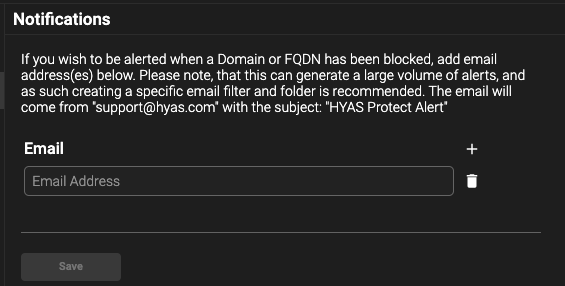
If you’d like specific users to receive email notifications when a domain or FQDN has been blocked, click on the Notification icon under Settings in the Administration Panel.
-
-

-
-
Enter the user's email address in the specified section.
-
This can also be accomplished on the Protect Alerts page.
Please note that configuring email alerts for blocked domains or FQDN’s may cause a large volume of emails. Creating an email filter and folder to manage these may be necessary. The email will come from "support@hyas.com" with the subject: "EnforceDNS Alert"